

Entity & relationship types
Every entity has a type that determines its icon, colour, and the extra fields its detail form shows. Every relationship has a type from a shared vocabulary. Both ship with a useful default set and both can be extended per world.
Built-in entity types
Section titled “Built-in entity types”Every world starts with these nine, no setup required:
| Type | What it’s for |
|---|---|
| Person | Characters, NPCs, monarchs, ancestors. Lifespan-aware. |
| Place | Cities, regions, landmarks, dungeons. |
| Faction | Noble houses, guilds, cults, alliances. |
| Organization | Knightly orders, arcane circles, companies. Founding / dissolution dates. |
| Item | Named weapons, regalia, artefacts, books. |
| Event | Wars, councils, festivals, founding days. Date-anchored. |
| Deity | Gods, demigods, patron spirits. |
| Creature | Beasts, races, monsters, familiars. |
| Concept | Doctrines, laws, ideologies, customs. |
All built-ins start minimal — just the universal fields (name, summary, tags, cover, lifespan, visibility). You can add your own fields to any of them, or invent a new type entirely.
Adding fields to a built-in type
Section titled “Adding fields to a built-in type”If your setting needs a Person to have a Species, a Homeworld and a set of augmentations, add those to Person rather than inventing a parallel type.
-
Open Manage types and expand Built-in types at the bottom.
-
Click the type you want to extend — Person, Place, Faction, whatever.
-
Add your fields and save.
From then on that type has your fields in this world only. Every other world still sees the plain version.
Changed your mind? Delete your version and the built-in comes back. Anything you’d already typed into the extra fields is kept, and shows on each entity under Other saved fields until you add the field back.
Creating a custom entity type
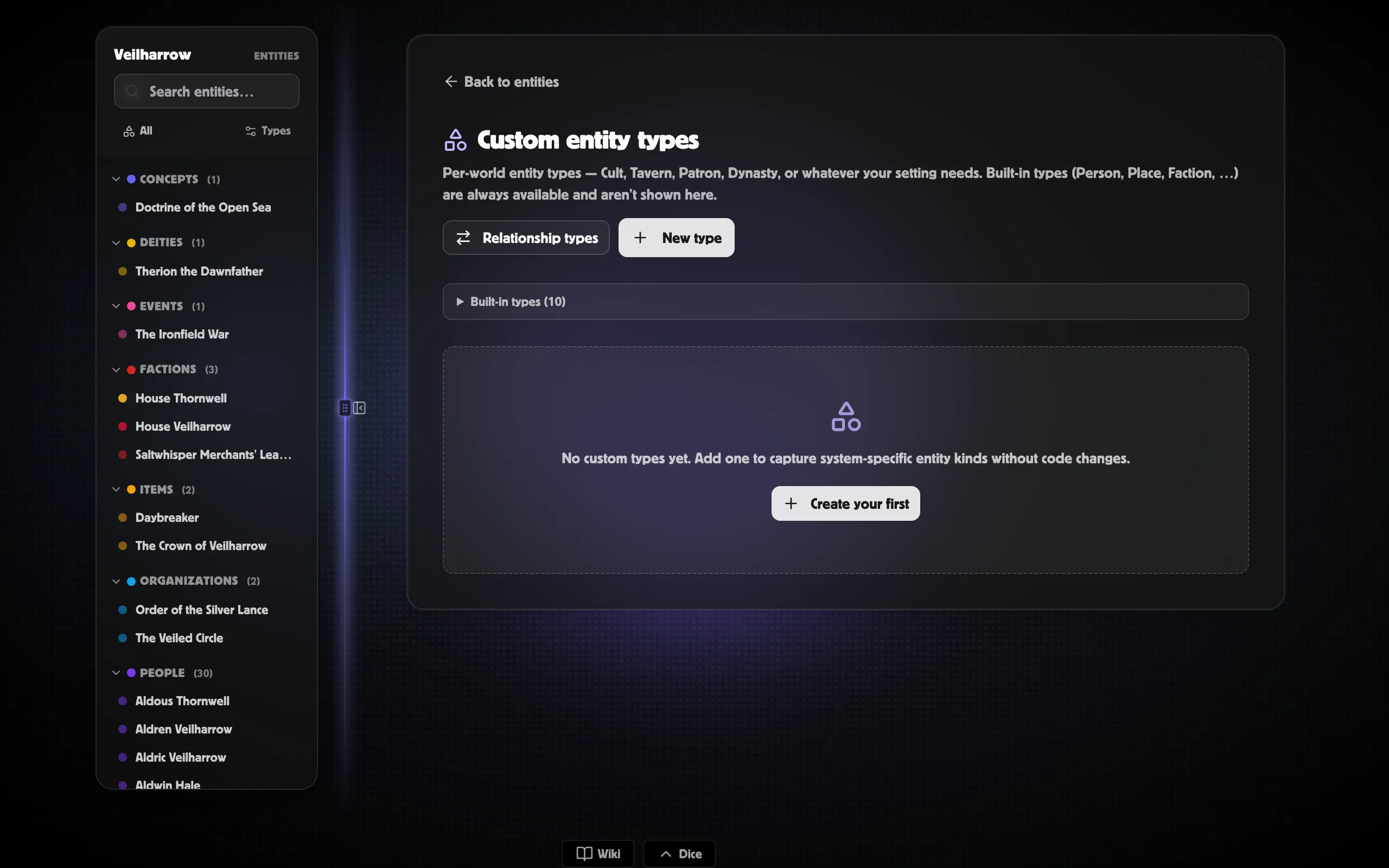
Section titled “Creating a custom entity type”If your setting needs Cult, Tavern, Patron, Dynasty, or anything else, define a custom type:
-
Open Worlds → <your world> → Entities and click Manage types in the header (or go straight to
/app/worlds/<id>/entity-types). -
Click + New type.
-
Fill in the basics:
- Key — a slug like
tavernornoble_house(lowercase, no spaces). This is the stable identifier. - Display name and plural — what the UI shows.
- Icon — a Lucide icon key (e.g.
beer,crown,flag). - Colour — a hex code for chips and badges.
- Key — a slug like
-
Add fields under Field schema. Each row needs a key, label, and type (text, textarea, richtext, number, date, boolean, select, tags, url, image). Mark required ones; for
select, list the options. -
Click Save.
Entities of the new type will get the extra fields on their Details tab. The icon and colour appear in chips, list rows, and graph nodes.
Relationship vocabulary
Section titled “Relationship vocabulary”Built-in relationship types are listed in Relationships. They cover the common cases (family, membership, place, social, creation, appearances).
Creating a custom relationship type
Section titled “Creating a custom relationship type”For setting-specific relationships — sworn_to, cursed_by,
student_of — open Manage types → Relationship types (or go
to /app/worlds/<id>/relationship-types) and click + New type.
A relationship type needs:
- Key and label — the canonical direction (e.g.
student_of/ “Student of”). - Inverse key and label — the reverse direction (
mentor_of/ “Mentor of”). The inverse is what shows on the OTHER endpoint’s Relationships tab. - Symmetric checkbox — tick this for relationships that read the same both ways (allies, partners, siblings). The inverse fields are hidden when symmetric.
- Subtypes (optional) — finer-grained kinds, like
parent_ofhavingbiological/adoptive/step.
Custom relationship types with the same key as a built-in override the built-in’s labels for that world.