

Multiple calendars
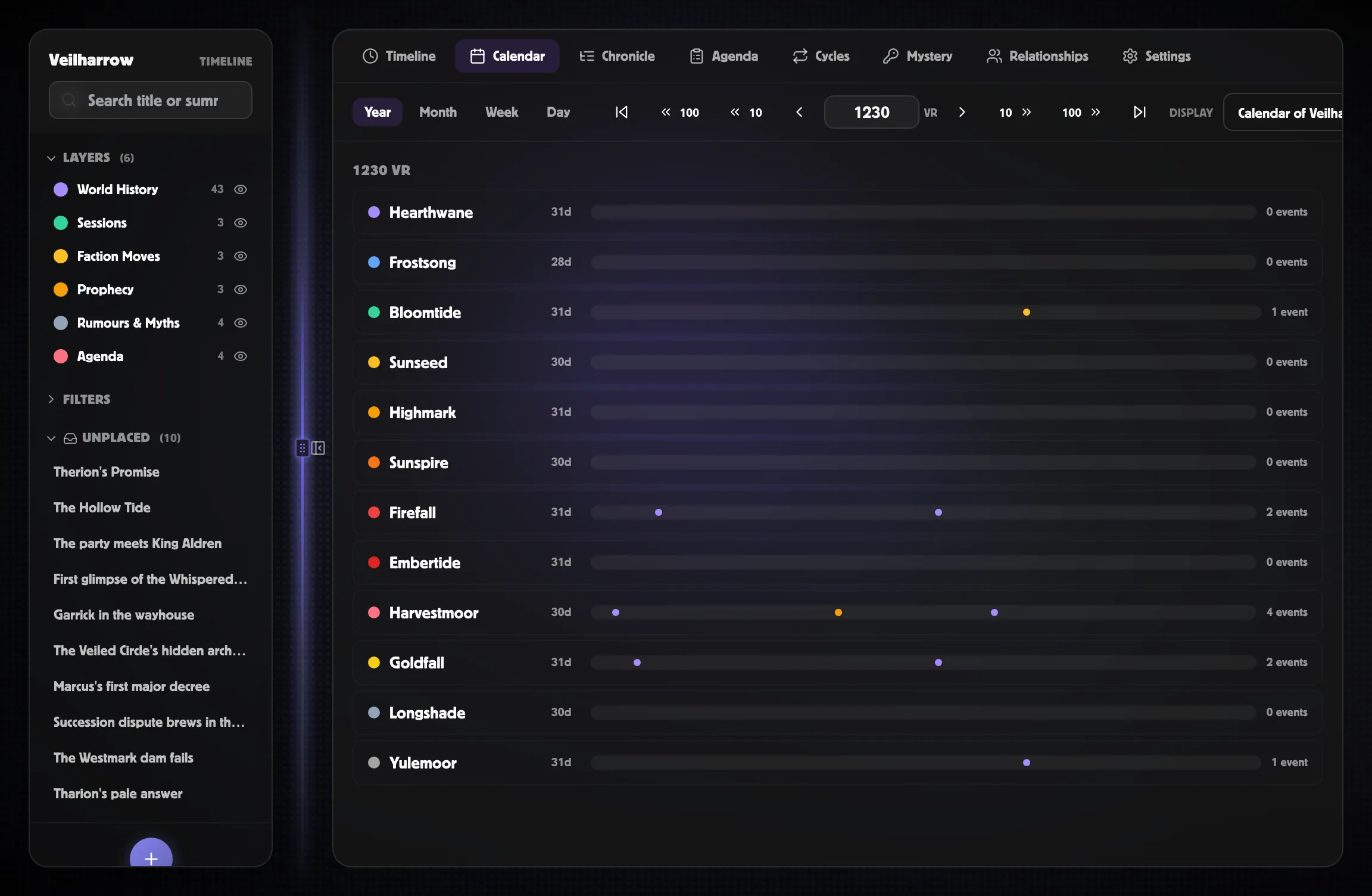
PostRoll worlds support any number of calendars. A common setup is
an in-world fantasy calendar (Harptos, Exandria, your custom one)
marked primary, plus a real-world Gregorian calendar for session
scheduling. Events display correctly in either — switching the
display calendar in the Calendar tab shows the same events at the
equivalent date.
What “primary” means
Section titled “What “primary” means”Exactly one calendar per world is marked primary. The primary drives:
- Era bands on the Timeline canvas.
- Default Year/Month in the Calendar tab.
- The smart When field when resolving era short labels like
1247 SR. - The Markdown export date format.
- Chronicle and Agenda date displays.
Switching primary doesn’t rewrite any event data — it just changes defaults. Click the ★ Set primary button in the Settings → Calendars editor to switch.
Authoring against a non-primary calendar
Section titled “Authoring against a non-primary calendar”When you create an event with a non-primary calendar selected in the create dialog, the event records:
- The calendar it was authored in.
- The year, month, day, and era in that calendar’s frame.
- Its universal master timeline position — worked out once from the date you entered and the calendar’s anchor point.
Switching the display calendar later doesn’t lose the original authoring frame; it just shows that master timeline position through the new calendar’s lens.
Alt-date chips
Section titled “Alt-date chips”The Event Inspector shows alt-date chips at the top of the When section — small pills showing the event’s master timeline position in every other calendar in the world. So an event authored as 12 Brightember 1247 SR can show April 4, 2026 CE alongside it.
This makes cross-calendar reasoning easy: GMs can see “this happens on a Wednesday in real life and a Tenday-day-3 in Harptos” at a glance.
Picking a display calendar in the Calendar tab
Section titled “Picking a display calendar in the Calendar tab”The Display dropdown in the top-right of the Calendar tab lists every calendar in the world. Switching projects every event in the view onto the picked calendar by its master timeline position.
If you only have one calendar in your world, the picker is hidden.
Anchoring fictional calendars to real dates
Section titled “Anchoring fictional calendars to real dates”A subtle but important caveat: when a fictional calendar has no real-world anchor (its Epoch ISO field is left blank), projecting events from Gregorian onto it produces negative years. For example: an event authored at Gregorian April 4, 2026 CE projected onto a Harptos calendar whose era starts at year 1 with no real-world anchor lands around Year -883 DR — mathematically correct, but unhelpful.
Two fixes:
- Set the fictional calendar’s Epoch ISO to a real Gregorian
date. For Harptos,
1488-01-01lines up DR Year 1 with CE 1488 — close enough that modern dates (2026) read as ~538 DR, which is recognisable as a fantasy era. - Re-author events against the fictional calendar. Open each event’s Inspector and set the When fields directly. The event’s master timeline position is worked out again, and alt-date chips will show the Gregorian equivalent.
The first fix is one-time-per-calendar; the second is per-event but gives you exact control.
When you DON’T need multiple calendars
Section titled “When you DON’T need multiple calendars”- Pure real-world settings — the Gregorian fallback is fine.
- Pure session-only settings — all events use session precision and never resolve to a calendar.
- Single-calendar fantasy settings — just have one fantasy calendar marked primary; no Gregorian needed.
Multiple calendars are most useful when you genuinely care about both axes — e.g. “the campaign is in Harptos year 1492, and we play on the second Tuesday of every month in real life”.