

The Settings tab
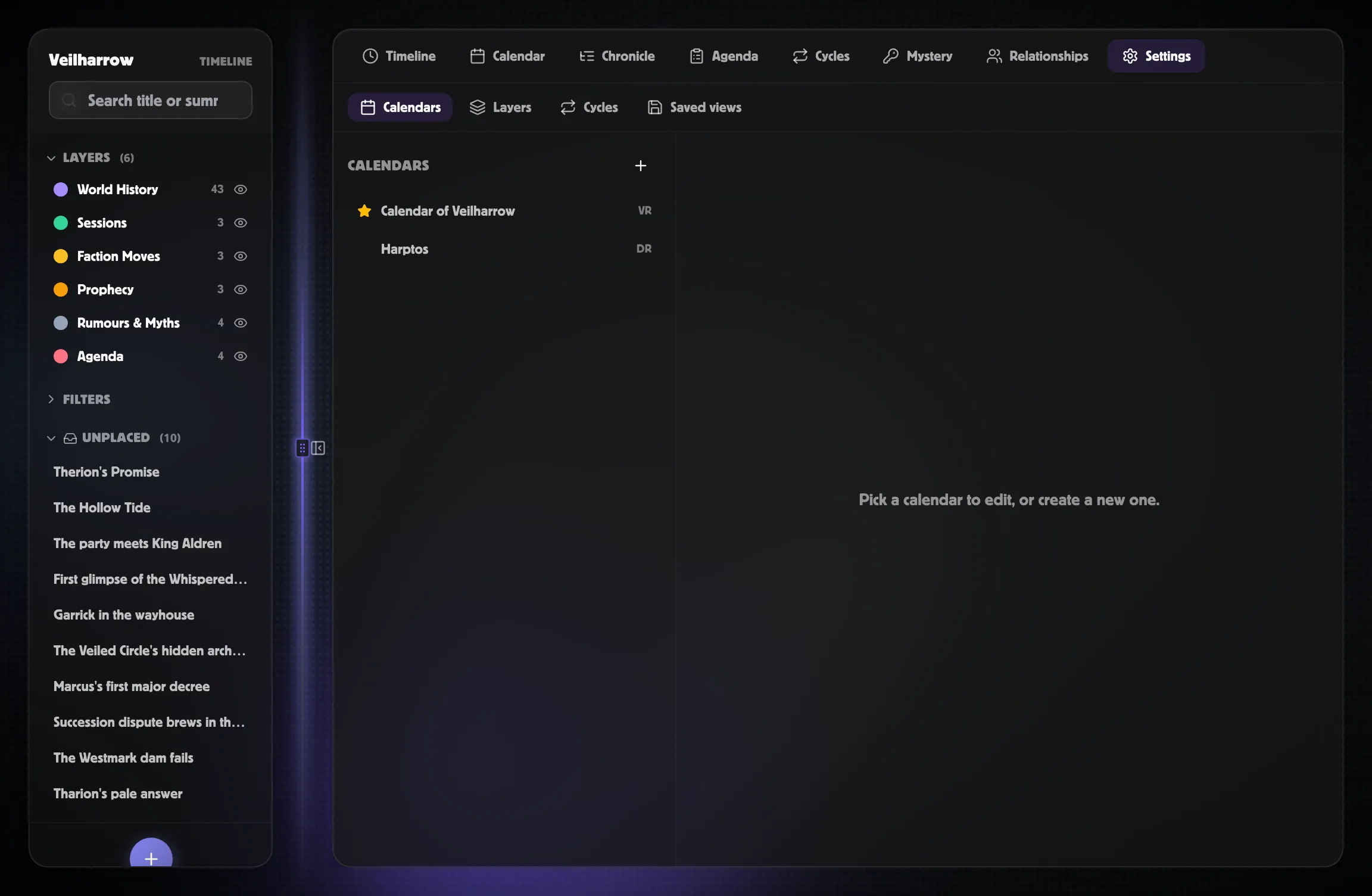
The Settings tab is where you configure the world’s infrastructure: which calendars exist, what layers events live on, which cycles tick along in the background, and (later) which filter sets you’ve saved as named views.
It’s a tab inside the timeline workspace rather than a separate page,
so you can edit a calendar and immediately switch to the Calendar tab
to see the result.
Sub-tabs
Section titled “Sub-tabs”| Sub-tab | What it does |
|---|---|
| Calendars | List, create, edit, archive, set-primary. Sub-editors for months / weekdays / eras / intercalary days / leap rules. |
| Layers | Up / down arrows to reorder; inline rename + colour picker. Built-in layers can be styled but not archived. |
| Cycles | List, create, edit, archive cycles. Phase table editor with live “fractions sum: X ✓/✗” feedback. |
| Saved views | Per-user filter presets. Rename inline, star to set as default (auto-applies on world open), trash to delete. Creation flows through the Bookmark dropdown in the workspace header so it can capture the current tab + filters + zoom. |
Calendars
Section titled “Calendars”Click + to create a new calendar. Pick a template:
- Gregorian — the real-world calendar, anchored to 1970-01-01.
- Harptos — Forgotten Realms, with Shieldmeet leap intercalary and a 10-day week.
- Four Seasons — four named ~91-day periods, no weekdays.
- Campaign Days — one numbered day per campaign day; no months or weeks.
- Blank — empty starting point.
Then customise the months / weekdays / eras / intercalary days / leap rules. The editor surfaces include drag-friendly tables for each. See Building a calendar for the full walkthrough.
A world can have any number of calendars, but only one is primary at a time — the primary is what the Timeline workspace’s era bands, the EventCreateDialog’s smart-When parser, and the Markdown export all reference by default.
Cycles
Section titled “Cycles”Click + under Cycles to add a cycle. Pick a template:
- Standard Moon — 28 days, 8 phases (New / Waxing Crescent / First Quarter / Waxing Gibbous / Full / Waning Gibbous / Last Quarter / Waning Crescent).
- Twice-daily Tide — 12 hours, 4 phases (Low / Rising / High / Falling).
- Four Seasons — 365 days, 4 equal phases.
- 12-Month Festival Ring — 365 days, 12 named festivals.
The phases table lets you reorder phases, change names / icons / colours, and override the fraction each takes of the cycle. A live indicator shows whether the fractions sum to ≈1.0 — the Save changes button stays disabled until they do.
The anchor point and phase index fields anchor the cycle. See Anchoring cycles to real events for the workflow when you want a specific phase on a specific in-world date.
Layers
Section titled “Layers”Each world starts with five built-in layers — World History, Sessions, Prophecy, Rumours & Myths, Agenda. Built-in slugs can’t be renamed (the system relies on them) but their display name, colour, and order are all editable.
Custom layers — Faction Moves, Downtime, Player Knowledge, etc. — can be added freely.
Saved views
Section titled “Saved views”Each user can save a filter preset (precision / certainty / importance / tag set / search) as a named view applicable to one of the workspace tabs. The picker UI ships in a polish pass; the data model and API already exist.