

Landmarks and stamps
Landmarks
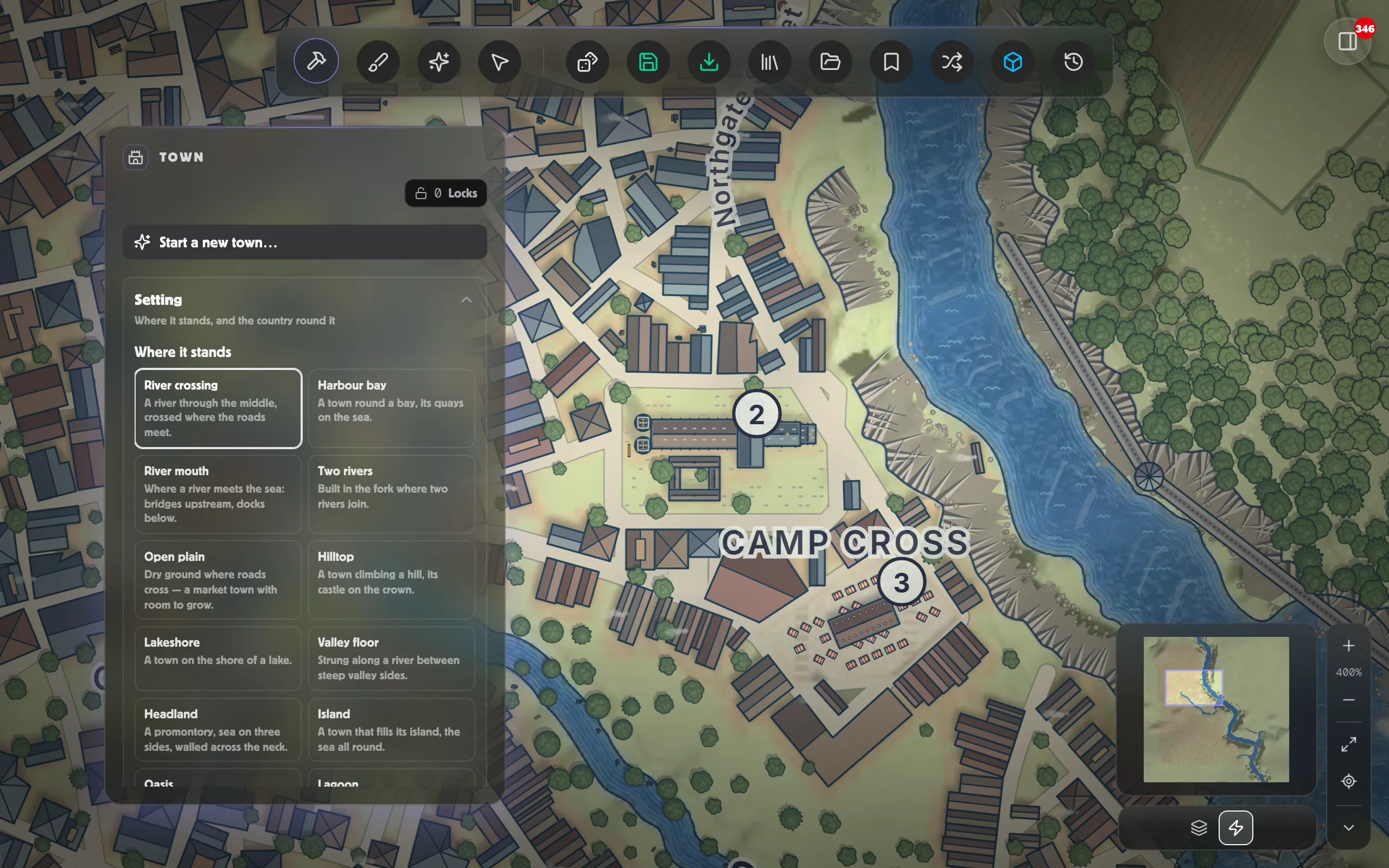
Section titled “Landmarks”A town is known by its landmarks, and each stands in its own ground with the lanes running round it:
- parish churches in their churchyards;
- a cathedral with its transepts and cloister;
- the castle on the high ground by the wall, its towers on its corners;
- a fort, the palace in its gardens, and colleges round their quadrangles;
- an abbey, and the barracks by a gate;
- the guildhall and town hall facing the market square, and the market hall standing in it among the stalls.
The town’s great bridge has a gate tower at its end. Which landmarks a town has follows its size and its Character: a capital has its palace, an academic town its colleges, a fortress its castle and barracks. A town whose tradition has temples builds temples where another builds churches. The landmarks are numbered in the Key.
With the Edit tool, a part of a landmark (a cathedral’s tower, a castle’s keep) says which landmark it belongs to, and you can rename the landmark there.
Moving a notable building
Section titled “Moving a notable building”Under Edit the town, select a notable building with Select & rename, then turn on Move a building and click a block to move it there.
It moves within the same quarter. A notable is what it is because of the quarter it stands in: the temple quarter has the temple, the docks have the warehouse. So moving one across town wouldn’t carry the building with it, it would swap it for whatever the new quarter builds. If you want a temple somewhere else, reshape the quarter or name a building there instead.
The building lands on a sensible plot on the block you chose, fronting a street, rather than exactly where you clicked.
Naming a building
Section titled “Naming a building”Not every building on a town map is somewhere: most are just houses. Name a building turns one into a place. Click any building and it gets a name, and it becomes a pin when you save the map to a scene. If you have somewhere particular in mind, name it yourself; otherwise the map picks a name that suits what the building is.
Stamps
Section titled “Stamps”With the Edit tool, Place sets things down on the town: market stalls, carts, barrels, crates and sacks, boats and ships, flags, standards and pennants, wells, trees, buildings and more. Set them down one at a time, or spray them with a brush. They’re drawn in the town’s own look, and the flags fly in the town’s wind.