

Cause & effect
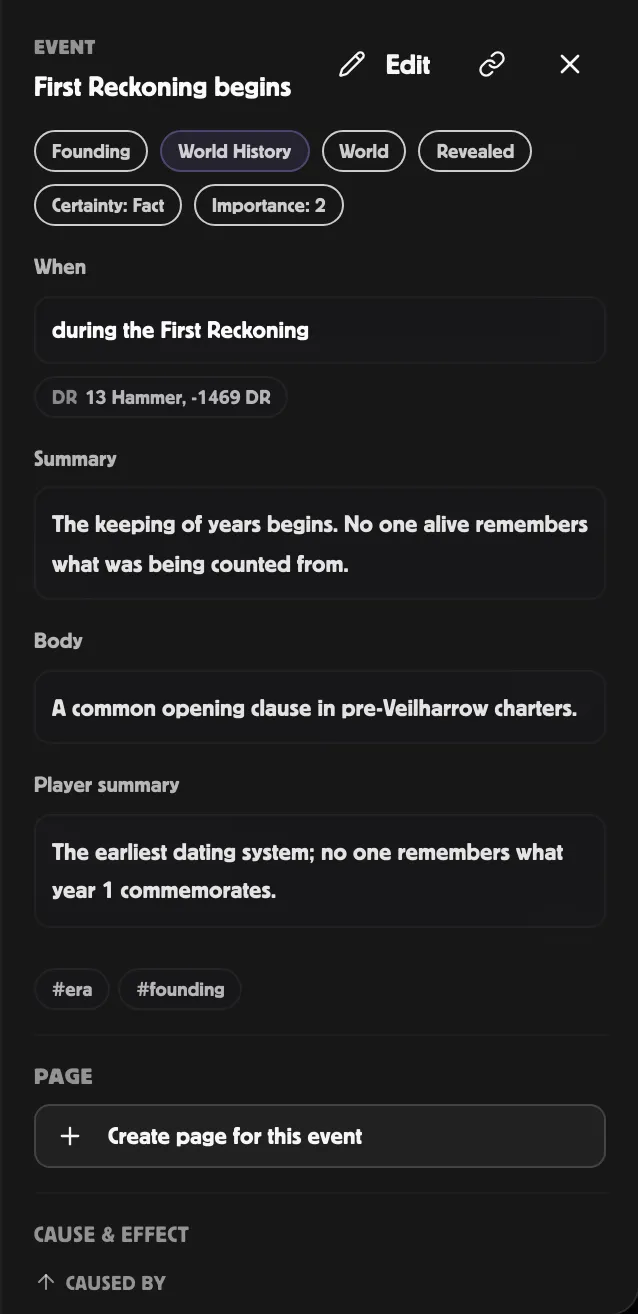
The Cause & effect subsection in the Event Inspector lets you
build chains of causal links between events without leaving the
right rail. It’s a focused view of the
link system, showing just the
caused by and consequence of links between events.
What you see
Section titled “What you see”Two columns:
- Caused by — the events that led to this one.
- Led to — the events this one set in motion.
Each entry is a clickable line showing the linked event’s title. Click it to move the Inspector’s focus to that event without changing the layout.
Adding a link
Section titled “Adding a link”Click + Add cause or + Add effect. A small picker opens with a search box over your world’s events. Type to narrow the list, then click the one you want.
It doesn’t matter which end you add the link from — the connection is the same, and it shows up on both events.
- Add cause on event A, pick event B — records that A was caused by B.
- Add effect on event A, pick event B — records that A led to B (B was caused by A).
Either way, you can follow the chain from both events afterwards.
Removing a link
Section titled “Removing a link”Each entry has a small trash icon. Click to remove just that link; the events themselves stay.
Use cases
Section titled “Use cases”The cause/effect chain solves several common GM problems:
- Plot threads — the betrayal → the war → the treaty → the dynasty fall. Linking them lets you scrub through a 100-year arc and see how each step led to the next.
- Player-driven consequences — when the party causes an event, link it back to whatever they did with a caused by link. The campaign log documents itself.
- Foreshadowing audit — every prophecy event should ideally link forward to whatever it predicted (when fulfilled). Quickly spot prophecies that haven’t been resolved.
Performance note
Section titled “Performance note”The chain loads both directions at once, so it stays fast no matter how many events your world has.
Related
Section titled “Related”- Linking events — every link relationship type
- The Mystery tab — the parallel clue for chain
- Event fields — the inspector layout